
Forum › Forums › General › Tips and Tricks › Creating your own Avatar › Reply To: Creating your own Avatar
 Robin
RobinHas somebody an idea why I don’t get the gravatar thing working?
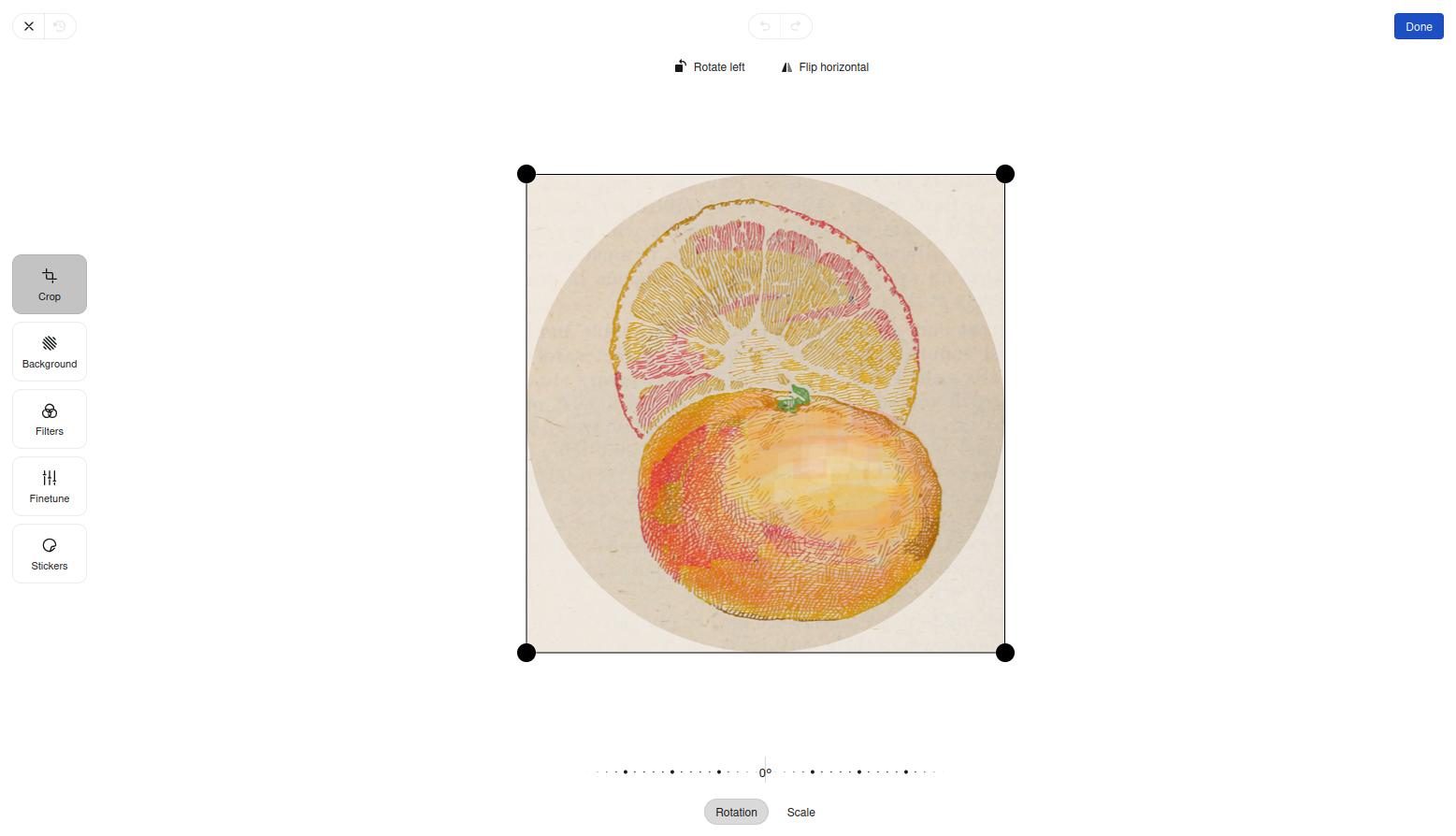
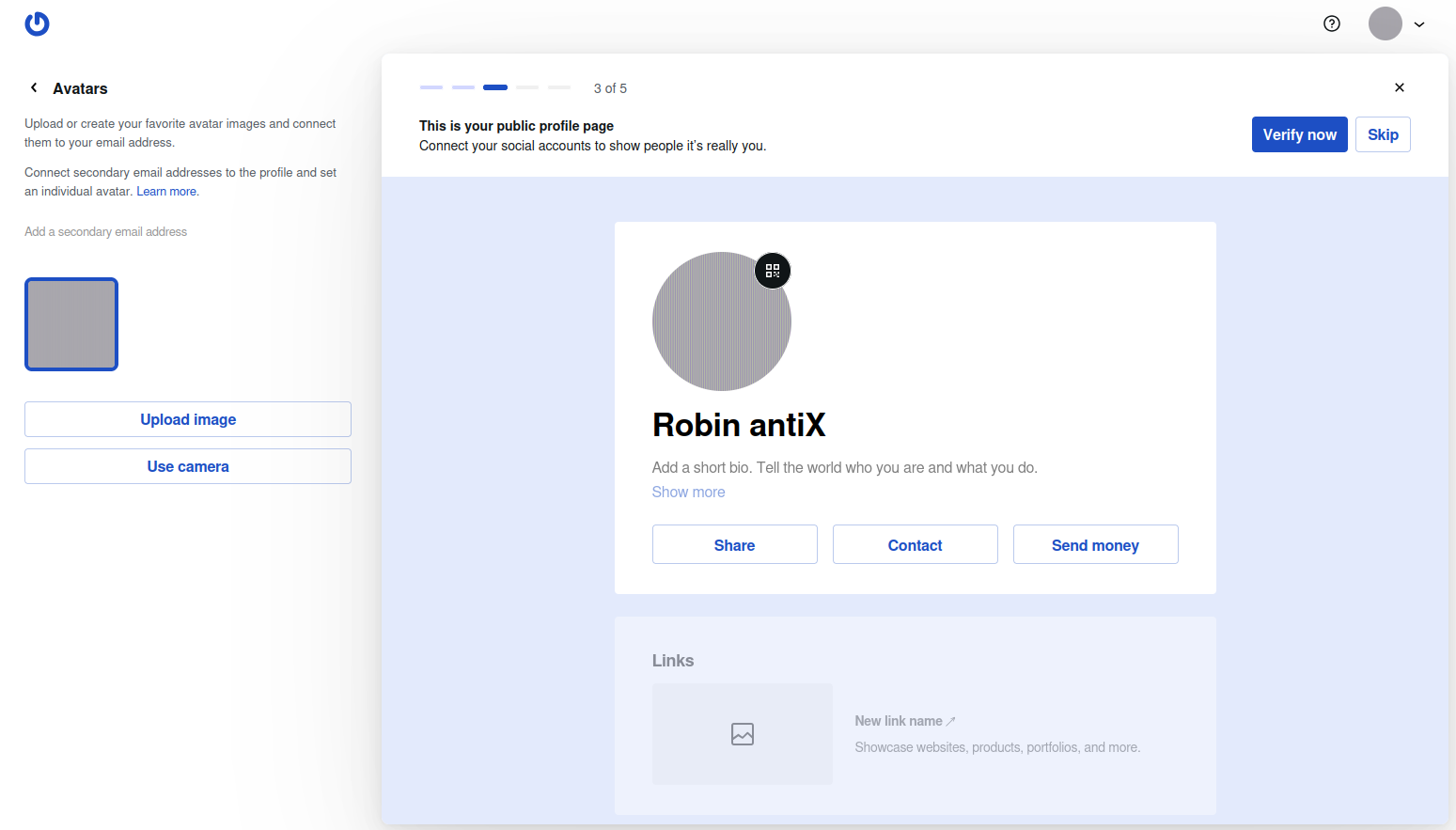
I have already created an account there, and gone to the page https://gravatar.com/profile/avatars , clicked the “Upload Image” button on the left side to replace the standard icon by a personal one. It appears properly in the browser on next page where you can edit and crop it, so the upload seems to work basically. After clicking the “Done” button, there comes a message “processing image”, and I’m taken back to the avatars page, where now the default image is replaced by a plain coloured flat square, sometimes purple, sometimes grey, sometimes green on consecutive attempts. This flat appears immediately at the upper right, in the middle of the page and on the left side as my avatar, but it is not the image I had uploaded before. Seems they destroy it completely while they process it on their servers, since before it is fine still, in their editor screen. I have saved the avatar to disk and analysed it, and it is actually a plain coloured flat only, so no browser display issue. Already tried different standard image formats (png, jpg), different compression rates for png, different quality settings for jpg, and even completely different arbitrary images. Below one of the images I tried.
I run out of ideas, and seems I don’t get an answer from their support. EDIT: got quickly a really kind and helpful answer from them, took only some time for me until found it hidden between the spam mails. Not their fault.
Attachments:

Windows is like a submarine. Open a window and serious problems will start.