Forum › Forums › antiX-development › Translations › 33 files were added to the project antix-development (antiX 26 FAQ) › Reply To: 33 files were added to the project antix-development (antiX 26 FAQ)
 kempelen
@marcelocripe That IceWM sentence refers to basic operations on the windows. Maybe so basic, that’s why you didn’t figure it out. Attached first screenshot shows the “three icons” the text refers to. Minimize, Maximize, Close.
Then the text says sometimes there are four icons, if you choose a window theme that contains four icons. The “roll up” of the window makes the window to be only it’s title bar (a wide bar with only the title). And “roll down” brings back the window. I attach a rolled up synaptic window screenshot.
The it says, if you right click that title bar, you can find other options too. The part in parenthesis says “Tray icon” “Layers”. My screenshot is Hungarian but you can find “Layers” there, it it’s the menu I marked with circle on third screenshot. This allows bringing the window forward or back, this is what we call “layer”. (Back = move behind other windows, Forward = move in front of other windows. Without changing position or size of any window.) Then “Tray icon”, I marked that menu with rectangle, that makes the window into the “tray icons” area of the screen (bottom right corner, like the small apt-notifier, volume and similar icons. Any window can go there. 🙂
Last line says if you double click this title bar, that will maximize the window to your screen. Double clicking again, will restore its original size. (Those are the same opőerations as the little icons in the fist screenshot.) And finally, it says if you click the “right bottom corner” you can resize the window. Currently most themes allow this on any edge of the window, but the right bottom is special, it is designated for this, I think that’s why text says it.
Very basic operations on the window.
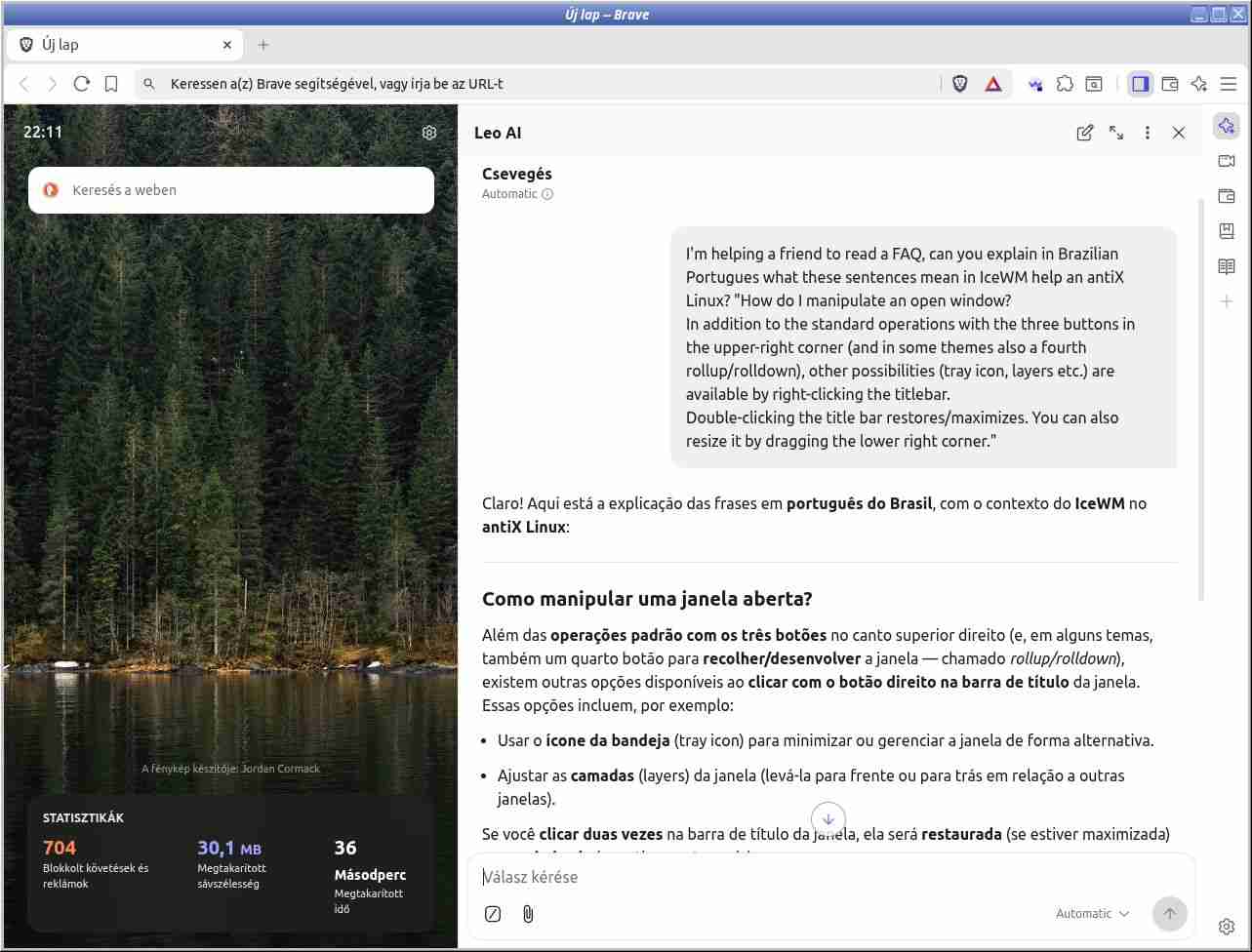
The other part I don’t know, but I copy-pasted a Brave Leo AI answer to that 1-2 pages before. And, while we are totally happy to help in any of these, maybe you could try Brave Leo AI, you can ask it in Portuguese, and it will answer in your language. You can simply copy the FAQ part into it and ask to explain how to do that (ask in Portuguese so you get the reply in your language, regardless s of the FAQ language.) This is a free AI, available if you install Brave from their API source. Not all answers will be accurate anyway. (I attached a screenshot of this too.)