
Do you use a Conky?
- #1 Yes
- #2 No
- This topic has 63 replies, 33 voices, and was last updated May 13-7:49 am by m4r35n357.
-
AuthorPosts
-
March 22, 2023 at 12:44 pm #102858
Lead Farmer
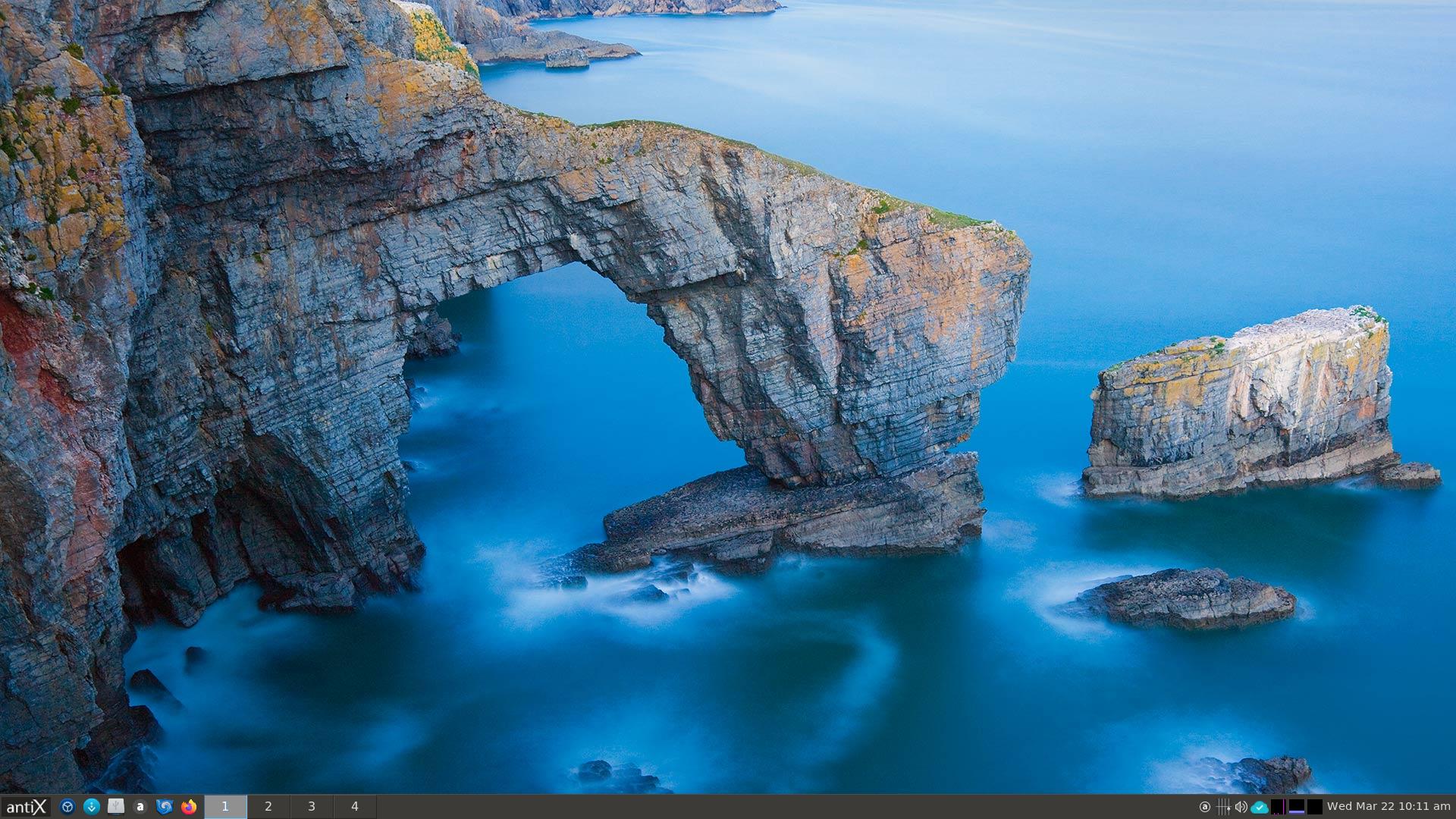
MemberAfter I install Antix I thought the Conky is a nice thing, it show a live data and useful info, I chose a nice wallpaper so the Conky text show well.
Recently I started to use random wallpaper from the web with Upsplash (I post about it here) And now the Conky in more of a eye sore, sometimes when I change the wallpaper, the colors of wallpaper is similar to the colors text or the graph of the Conky, make them unreadable, and also there is a delay between when the wallpaper is changed to when the image the background of the Conky it changed, so I decided to disable the Conky.Before The CPU load in idle was ~3.3%, and now is ~1.5% and less ~4MB of RAM, almost 2% of of CPU load only to run the Conky is more then I thought, if I knew that I would a disable it from the start, my is CPU: AMD E1-1500 APU (2) @ 1.480GHz.
I use IceWM desktop, and in taskbar is show almost the info I need CPU, RAM and Network.-
Also most of the time I don’t see the Conky like when I use Web Browser in fullscreen but I can see the taskbar.- This topic was modified 3 years, 6 months ago by Lead Farmer.
- This topic was modified 3 years, 6 months ago by Lead Farmer.
- This topic was modified 3 years, 6 months ago by Lead Farmer.
March 22, 2023 at 3:10 pm #102872Trashthrasher
MemberI chose not to use conky because all of the info I need is right in the tray.
- This reply was modified 3 years, 6 months ago by Trashthrasher.
- This reply was modified 3 years, 6 months ago by Trashthrasher.
Attachments:
Animal lover
Savior of abandoned electronics
Linux Enthusiast
Check out my Punk/Metal band Taco TuesdayMarch 22, 2023 at 3:16 pm #102875RJP
MemberMarch 22, 2023 at 3:44 pm #102879 Brian MasinickModerator
You probably know that Conky can be easily toggled on and off.
It takes some work but it’s also possible to get many different appearances in Conky.
I’ve seen them and I am not on my computer right now but I believe that our configuration provides a variety of choices. Hopefully a few forum members are around who can help. I can figure it out too but I am not the “expert” in Conky configuration.
--
Brian Masinick
Alternate "Search B":
This search pageMarch 22, 2023 at 4:38 pm #102887MemberConky Manager is great for using extra conky themes & configurations.
Animal lover
Savior of abandoned electronics
Linux Enthusiast
Check out my Punk/Metal band Taco TuesdayMarch 22, 2023 at 5:54 pm #102900Brian MasinickModeratorConky Manager is great for using extra conky themes & configurations.
Thanks! That looks appealing. I’ll confirm later if we have additional tools either standard or available in addition to your suggestion.
--
Brian Masinick
Alternate "Search B":
This search pageMarch 23, 2023 at 6:04 am #102937ren1268
MemberYes, I find no way to see or install second calendar such as lunar calendar from the panel. Using Conky to show Gregorian together with lunar calendar.
March 23, 2023 at 9:06 am #102945PPC
MemberMost of the time I do not use Conky, because all the system information that I want to see is alreayd on FT10’s toolbar or the IceWM’s system tray. On my less powerful devices, the extra RAM Conky uses does make a small difference.
P.
March 23, 2023 at 12:50 pm #102960Xunzi_23
MemberConky is a tool I like, watches CPU core GPU and NVME temps.
With devices at or above 2GB Ram I have no issue with memory usage.On older devices, once I trust cooling and know what the device should
sound like I might have conky off most of the time.Sudden loud fan or loss of fan noise are both important warnings for me.
March 23, 2023 at 8:32 pm #102995Brian MasinickModeratorConky Manager is great for using extra conky themes & configurations.
Thanks! That looks appealing. I’ll confirm later if we have additional tools either standard or available in addition to your suggestion.
Since I’ve poked around a few times and haven’t seen anything specific, I BELIEVE the place I saw a Conky tool is in one of my MX Linux AHS installations. That makes more sense because there are quite a few people there who have added various tools and scripts, and I’ve used many of them.
If anyone happens to have an MX Linux installation on the same hardware as antiX, my strong suspicion is that the tool could be very easily copied to antiX. The next time I’m using such an environment I’ll try to remember to take a look and potentially hijack a Conky configuration to one of my other antiX instances. Right now I don’t have MX Linux here because I have multiple antiX instances here and a few other interesting test systems too.
As the famous Terminator actor once said, “I’ll be back!”--
Brian Masinick
Alternate "Search B":
This search pageMarch 23, 2023 at 8:44 pm #102996MemberMX Linux is where I 1st came across it as well. There was like 20 or so different skins to use & some other settings.
Conky Manager is great for using extra conky themes & configurations.
Thanks! That looks appealing. I’ll confirm later if we have additional tools either standard or available in addition to your suggestion.
Since I’ve poked around a few times and haven’t seen anything specific, I BELIEVE the place I saw a Conky tool is in one of my MX Linux AHS installations. That makes more sense because there are quite a few people there who have added various tools and scripts, and I’ve used many of them.
If anyone happens to have an MX Linux installation on the same hardware as antiX, my strong suspicion is that the tool could be very easily copied to antiX. The next time I’m using such an environment I’ll try to remember to take a look and potentially hijack a Conky configuration to one of my other antiX instances. Right now I don’t have MX Linux here because I have multiple antiX instances here and a few other interesting test systems too.
As the famous Terminator actor once said, “I’ll be back!”MX Linux is where I 1st came across it as well. There was like 20 or so different skins to use & some other settings.
Animal lover
Savior of abandoned electronics
Linux Enthusiast
Check out my Punk/Metal band Taco TuesdayMarch 23, 2023 at 9:21 pm #102999Brian MasinickModeratorI’m running antiX-23-runit_x64-full Grup Yorum 3 February 2023 now on my Dell Inspiron 5558 and I do have a single instance
of Conky running here. I also confirmed that my MX Linux instance on this machine does have a full complement of Conky variations with numerous appearances, items listed, ranging from CPU, memory, swap and disk information, time, date and general resources, just a clock and all things in between with a great variety of personal configuration. It’s definitely an MX Linux thing from the old MEPIS Lovers community, which is the MX Linux Lovers community or MX Linux Forum today. They have a ton of good stuff there, and it’s NOT limited to Conky either. Recommended!--
Brian Masinick
Alternate "Search B":
This search pageMarch 29, 2023 at 4:13 am #103505 techoreMember
I don’t really use conky for its intended purpose as I understand it. Truthfully, I not a fan of perf/mon widgets on any OS. Tend to use diagnostic tools when they are needed. With that being said, it does a great job displaying text (keybindings) for various programs. I simply cannot remember them all and just hit a key-combo to kill conky then start another conky process with the desired cheatsheet.
Knowledge speaks, but wisdom listens.
March 29, 2023 at 4:44 am #103506 mikey777Member
My RAM & CPU usage on my daily work laptop is pretty predictable for the applications I’m using and the 4GB of installed RAM is more than adequate for my needs. Therefore, I haven’t any need to monitor RAM consumption continuously and so don’t use conky. Anytime I’m curious about RAM or CPU usage, I just click on Htop to check.
64-bit antix26-full (zzz-IceWM, dinit) installed on the following [year of manufacture in brackets]:
[2008] Asus X71Q (7SC002) 17", 2 x CPU Intel T3200@2.0GHz, 4GB RAM, Intel integrated graphics
[2010] Samsung N145 Plus (JP04UK) 10", 1 x CPU Intel Atom N450@1.6GHz, 2GB RAM, Intel integrated graphics
[2012] Lenovo B580 (4377) 15", 2 x CPU i3-2328M@2.2Ghz, 8GB RAM, Intel integrated graphics
[2017] Dell Latitude 5480 14", 4 x CPU i5-6300U@2.4Ghz, 8GB RAM, Intel integrated graphicsMarch 29, 2023 at 4:52 am #103507andfree
MemberI think that the question could mean “Do you ever use a Conky?” as well as “Do you always have a Conky on?”.
Normally, I don’t use it, because none of the machines I use is more than 1GB RAM, so I prefer using tray monitors.- This reply was modified 3 years, 6 months ago by andfree.
antiX utilities for processing PDF files (posted by ChPol)
-
AuthorPosts


- You must be logged in to reply to this topic.