
Forum › Forums › General › Software › Do you have todo software that you would recommend? Time tracking a huge plus › Reply To: Do you have todo software that you would recommend? Time tracking a huge plus
 Robin
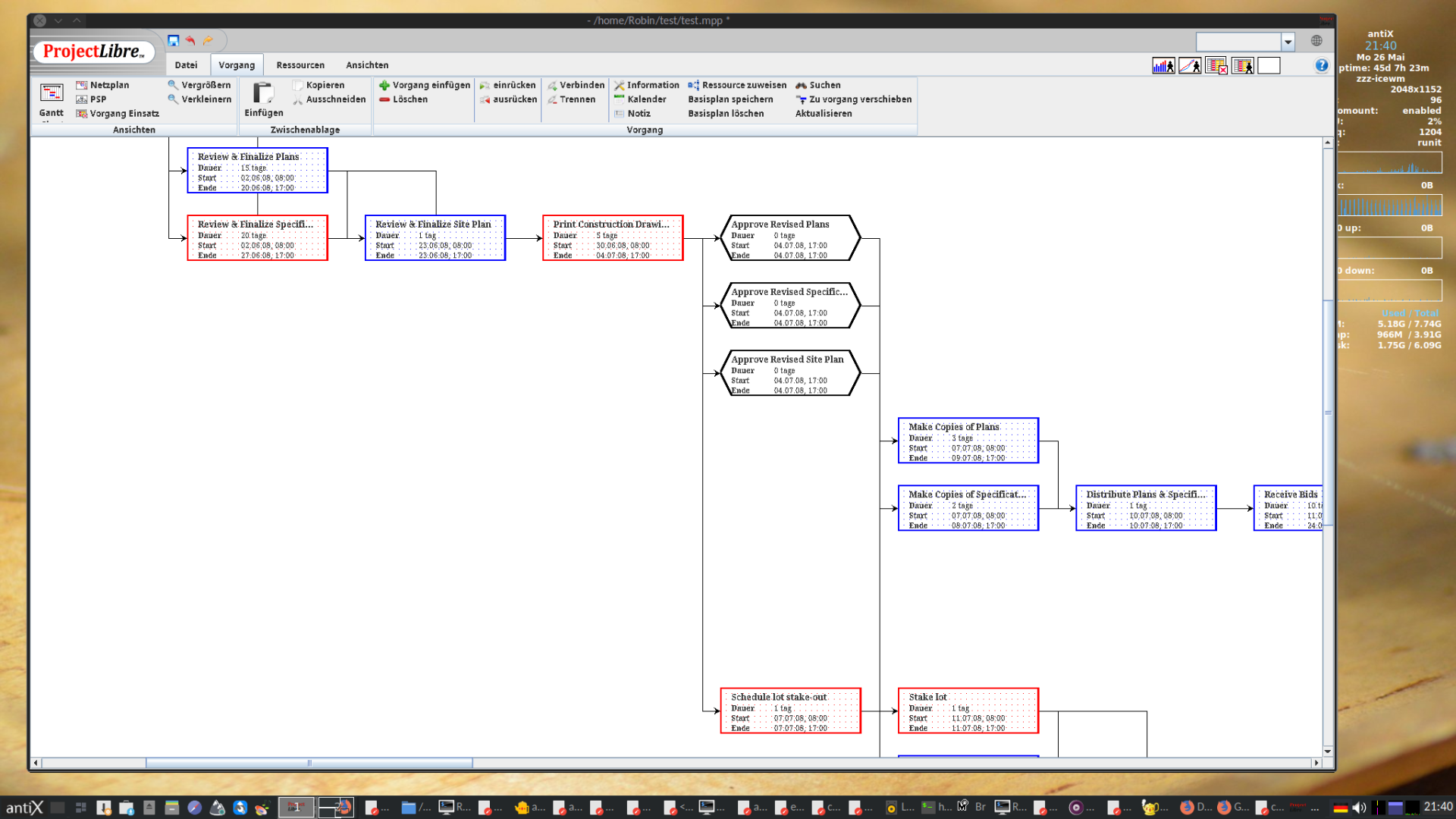
RobinThe advantage of ProjectLibre, and that’s why I had recommended it, is: It is fully compatible to Microsoft Project, so you can share and cooperate easily with others who don’t care for FOSS.
It installs fine on antiX 23: (tested)
1.) fetch the matching java version (from debian is only java 17 available for bookworm, which is not enough to run their jar file)
$ wget 'https://download.oracle.com/java/21/latest/jdk-21_linux-x64_bin.deb'
$ wget 'https://download.oracle.com/java/21/latest/jdk-21_linux-x64_bin.deb.sha256'
2.) Make sure the download was not damaged:
$ shasum -a256 -b ./jdk-21_linux-x64_bin.deb
$ cat ./jdk-21_linux-x64_bin.deb.sha256
The Checksums MUST match.
3.) Install java 21 and check the new version is active:
$ sudo apt-get install ./jdk-21_linux-x64_bin.deb

$ java --version
java 21.0.7 2025-04-15 LTS
Java(TM) SE Runtime Environment (build 21.0.7+8-LTS-245)
Java HotSpot(TM) 64-Bit Server VM (build 21.0.7+8-LTS-245, mixed mode, sharing)
4.) Now, from ProjectLibre at Sourceforge fetch this one:
https://sourceforge.net/projects/projectlibre/files/ProjectLibre/1.9.8/projectlibre-1.9.8.tar.gz/download
(Don’t use their .deb package, it is buggy and comes with unfulfillable dependencies, see: Bug #195)
5.) Check the checksum (You can find it when clicking the circled i next to the download line at sourceforge.)
$ md5sum ./projectlibre-1.9.8.tar.gz
3eede07564f8b46a826264bc8f3f0d0b
The result must match with the checksum provided.
5.) Extract it to a folder of your choice and enter this folder:
$ tar -xzf ./projectlibre-1.9.8.tar.gz
$ cd ./projectlibre-1.9.8
6.) Start the ProjectLibre Program:
$ java -jar projectlibre.jar
Seems to work fine on antiX 23 full runit 64 bit, (but it looks like that the most recent version can only be run on 64 bit? Not sure about that)
_________________
P.S.: Like Vitforlinux and others I also am used to do project management with pencil and paper, chalkboard, and later then used spreadsheets on Excel/Libreoffice. If you write some macros, Libreoffice Calc may be closest to what you are after. But the ProjectLibre Desktop install looks also perfectly fine to me as an classic project management tool.

Windows is like a submarine. Open a window and serious problems will start.